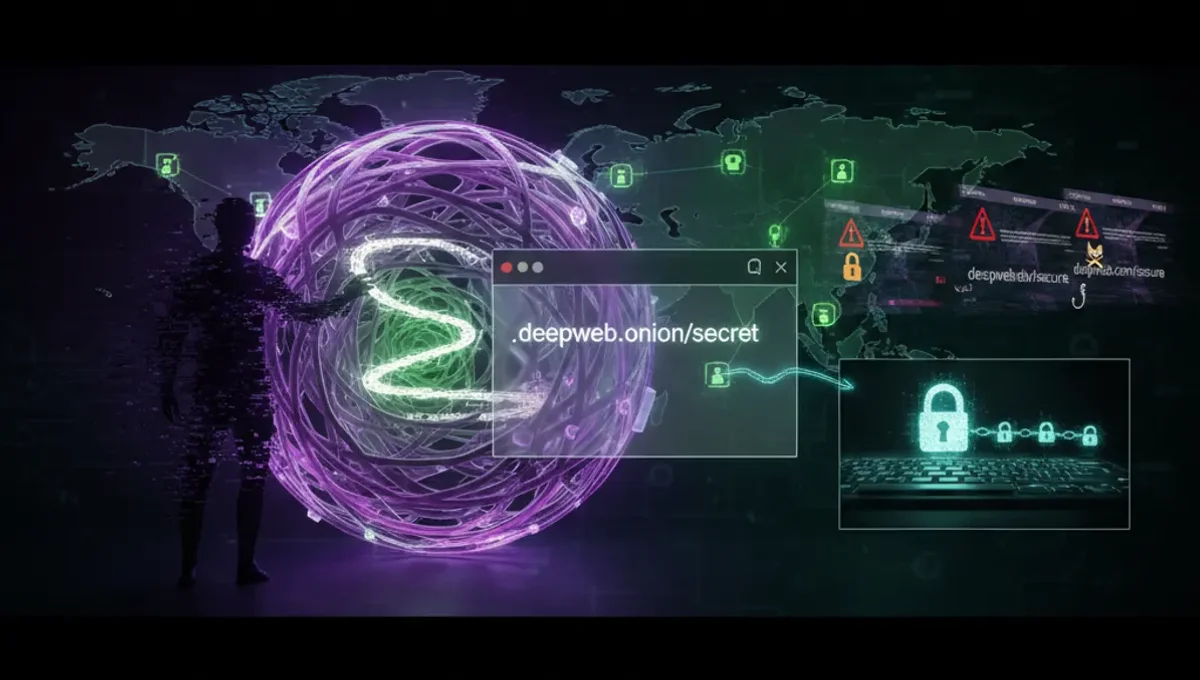
What the Black Web Actually Is
The black web refers to websites and services running on the Tor network, identified by .onion addresses. These sites are not indexed by standard search engines and require the Tor Browser to visit. The term is often used interchangeably with the dark web, though technically the dark web is any part of the internet not indexed by search engines, while the black web specifically means Tor-hosted content.
Tor was originally developed by the U.S. Naval Research Laboratory and is now maintained by the Tor Project, a nonprofit organization. It works by routing your traffic through multiple volunteer-operated servers, each layer encrypting your data. This process makes it difficult for network observers to link your identity to your browsing activity.
The black web hosts legitimate content: political dissidents use it to communicate safely, journalists receive anonymous tips through onion services, and privacy advocates maintain forums and resources. It also hosts illegal marketplaces and forums, which is why the term carries negative associations. Understanding this distinction is essential before you proceed.
Prerequisites and Tools You Need
Before attempting black web access, you need a computer with a stable internet connection and the ability to download and install software. Your operating system should be reasonably up to date, as older systems may lack security patches that protect against malware.
The primary tool is the Tor Browser, an official release from the Tor Project that bundles Firefox with Tor integration. Download it only from the official Tor Project website, never from mirrors or third-party sources, as malicious versions exist. Verify the download using the PGP signature provided on the site.
Consider using a dedicated device or a virtual machine for black web browsing, especially if you plan to access sensitive content. This isolates any potential compromise from your main system. A VPN is optional and debated among security researchers; some argue it adds a layer of protection, others say it can reduce anonymity if the VPN provider logs traffic. If you use a VPN, connect to it before opening Tor Browser, never after.
Step-by-Step Connection Process
Connecting to the black web is straightforward once you have Tor Browser installed. The process takes only a few minutes.
- Download Tor Browser from the official Tor Project website and verify its signature using the provided instructions.
- Install Tor Browser on your computer following the standard installation prompts.
- Open Tor Browser and wait for it to connect to the Tor network, which typically takes 10 to 30 seconds.
- Once connected, you will see a confirmation message and the Tor Browser window will display a home page.
- Type an .onion address into the address bar to visit a black web site, or use a black web search engine to find resources.
- Allow extra time for pages to load, as Tor routing is slower than direct internet access.
Do not maximize your browser window to full screen, as this can make your screen resolution identifiable. Do not change browser settings or install extensions unless you understand the security implications. Each time you close and reopen Tor Browser, you receive a new Tor circuit, which is a fresh path through the network.
Verifying Onion Addresses and Avoiding Phishing
One of the most common attacks on black web users is phishing through fake .onion addresses. Onion addresses are long, seemingly random strings of characters, making them difficult to remember and easy to mistype. Attackers register similar addresses or create mirrors of legitimate sites to steal credentials or distribute malware.
Always verify an onion address before visiting. Legitimate projects publish their official addresses on their clearnet websites, in PGP-signed announcements, or through trusted community channels. If you cannot find a verified address from an official source, do not visit the site.
When you visit an onion address, check the full URL in the address bar carefully. Phishing clones often use addresses that differ by a single character from the real one. Bookmark verified addresses in Tor Browser to avoid retyping them. If a site asks you to log in, verify the address again before entering credentials. Many users have lost access to accounts or had personal data stolen by logging into phishing clones on the black web.
How Black Web Search Engines Work
Black web search engines index .onion sites and help users find resources without knowing exact addresses. The most widely used ones include Ahmia, Torch, and NotEvil, each with different indexing methods and result quality. These search engines do not work like Google; results are often incomplete, outdated, or include scam sites.
Search engines on the black web face challenges that clearnet engines do not. Many .onion sites deliberately avoid indexing to maintain privacy or security. Some sites are temporary or move frequently, making them hard to catalog. Scammers and malicious actors also register sites specifically to appear in search results and deceive users.
When using black web search engines, treat results with skepticism. Verify any address you plan to visit through independent sources. Be aware that some search results may link to malware, phishing sites, or illegal marketplaces. If a result seems too good to be true or promises illegal goods, it almost certainly is a scam designed to steal money or compromise your security.
Reality Layer: How the Ecosystem Actually Works
The Tor Project documentation confirms that Tor protects against traffic analysis but does not guarantee complete anonymity if you combine it with identifying behavior, such as using your real name or visiting sites while logged into personal accounts. This matters because users often assume Tor makes them invisible, then compromise themselves through their own actions.
Law enforcement agencies have successfully identified Tor users by analyzing traffic patterns, exploiting browser vulnerabilities, or obtaining logs from compromised exit nodes. Court records from prosecutions of darknet marketplace operators show that investigators used blockchain analysis, metadata, and operational security mistakes to identify suspects. This means that while Tor provides strong protection against passive surveillance, it is not a guarantee against determined law enforcement or sophisticated attackers.
Security researchers have documented that phishing and malware distribution are endemic on the black web. Many users lose money or have their systems compromised not because Tor failed, but because they visited malicious sites or fell for social engineering. The barrier to entry is low for attackers; anyone can register an .onion address and host a fake marketplace or forum. This creates an environment where trust is difficult to establish and verification is essential.
Common Mistakes That Compromise Security
Users accessing the black web often make mistakes that undermine their security. The most common is maximizing the browser window or changing display settings, which can reveal your screen resolution to websites. Another is installing browser extensions or plugins, which can leak your real IP address or introduce vulnerabilities.
Sharing personal information is a critical error. Using the same username across multiple black web sites, posting identifying details, or uploading files that contain metadata can link your activities together and to your real identity. Even seemingly anonymous actions can be correlated if you are not careful.
Trusting unverified sources is another frequent mistake. Users visit black web search engines, click on the first result, and assume it is legitimate. They download files without checking signatures or scanning them for malware. They engage in transactions with vendors they have never verified. Each of these actions increases your risk of losing money or having your system compromised. The black web does not have consumer protections or dispute resolution; once you send money or download a file, you have limited recourse if something goes wrong.
Taking Your First Steps Safely
If you decide to access the black web, start with legitimate resources and minimal risk. Visit the Tor Project website itself, which runs an onion mirror of its clearnet site. Explore privacy-focused forums and discussion boards where users share security tips and verify information. Read documentation about how Tor works and what it can and cannot protect against.
Do not rush to access marketplaces or illegal content. These sites are where most scams and malware distribution occurs. If your goal is to learn about the black web or access legitimate services, you can do so without exposing yourself to these risks.
Before you browse, write down a simple security checklist: verify the address from an official source, do not maximize your browser window, do not install extensions, do not use your real name or existing usernames, do not download files unless you can verify them, and do not assume anonymity means you can act without consequences. Keep this checklist visible while you browse. The black web is a tool for privacy and free speech, but it requires discipline and awareness to use safely. Your first step is to understand the technology and the risks before you connect.
Frequently asked questions
Is accessing the black web illegal
Accessing the black web itself is legal in most countries. Using Tor and visiting .onion sites is not a crime. However, accessing illegal content or engaging in illegal activities on the black web is illegal, just as it is on the regular internet. Your location determines what content is restricted; some countries block Tor access entirely or monitor its use.
How do I know if a black web site is real or a phishing clone
Verify the .onion address from an official source before visiting. Check the site's clearnet website, PGP-signed announcements, or trusted community forums for the correct address. Legitimate projects publish their official onion addresses prominently. If you cannot find a verified address, do not visit the site.
Can I be traced if I use Tor to access the black web
Tor protects against passive traffic analysis, but it does not guarantee complete anonymity. Law enforcement has successfully identified Tor users through browser vulnerabilities, behavioral analysis, and operational security mistakes. If you combine Tor with identifying behavior, such as using your real name, you can be traced.
What should I do if I accidentally visit a malicious black web site
Close Tor Browser immediately and do not download anything. Restart your computer if you are concerned about malware. If you visited the site through a link or search result, note the address and report it to the search engine operator if possible. Do not return to the site.
Do I need a VPN to access the black web safely
A VPN is optional and debated among security experts. Some argue it adds protection; others say it can reduce anonymity if the VPN provider logs traffic. If you use a VPN, connect before opening Tor Browser. Never use a VPN after Tor, as this can leak your real IP address.