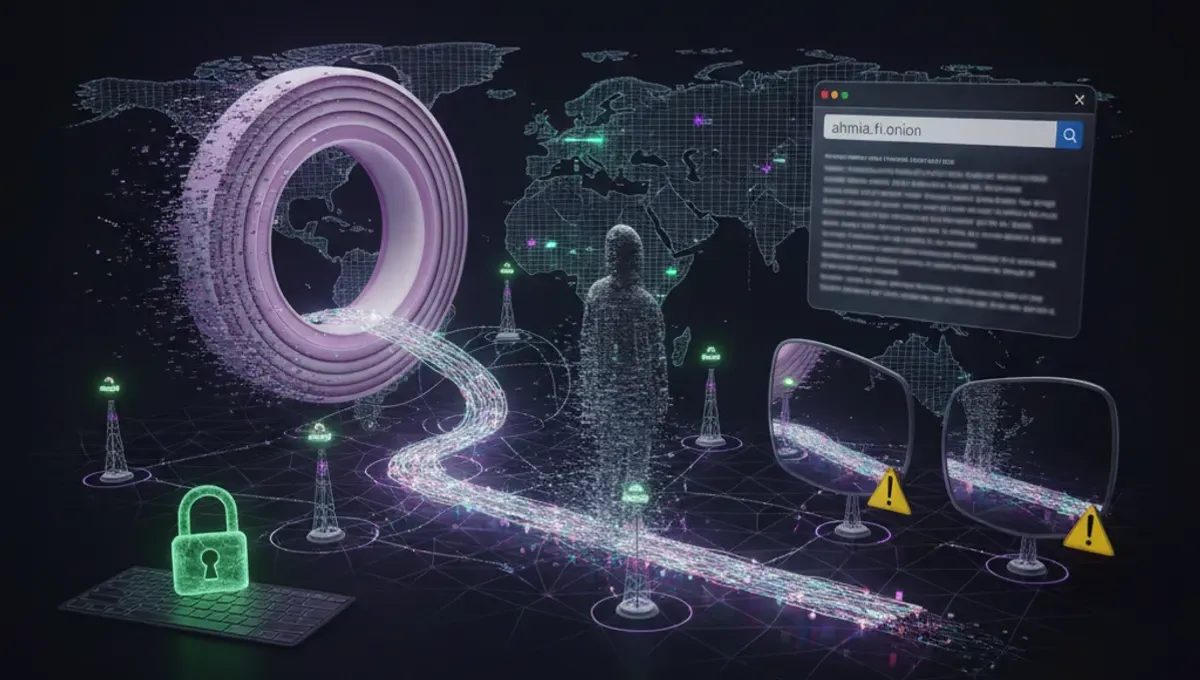
What Deepweb Sites Actually Are
Deepweb sites are web services that run on hidden networks, most commonly Tor. They use .onion domain names and are not indexed by standard search engines. The term 'deepweb' is often confused with the 'dark web', but they are different: the deepweb includes any content not indexed by Google, like your email inbox or medical records. Onion services specifically refer to applications hosted on the Tor network using special routing that hides both the user and the server location.
These sites serve many purposes. Journalists use them to receive tips from sources in repressive countries. Activists coordinate without surveillance. Libraries and archives preserve information that might be censored elsewhere. The technology itself has no moral alignment; it simply provides anonymity and resistance to censorship. Understanding this distinction helps you evaluate what you encounter and avoid the assumption that all deepweb sites are marketplaces or illegal operations.
How Onion Services Work Technically
Onion services use Tor's hidden service protocol to route traffic through multiple relays before reaching the server. When you connect to a .onion address, your traffic is encrypted and bounced through at least three Tor nodes, and the server's location is similarly obscured. This creates a bidirectional anonymity tunnel: neither you nor the server knows the other's real IP address without additional mistakes.
The .onion address itself is derived from the server's public key, which means the address is cryptographically tied to that specific server. This is why phishing clones are common: attackers set up similar-looking sites with different .onion addresses and rely on users copying addresses incorrectly or trusting a link from an untrusted source. The Tor Project documentation emphasizes that you must always verify addresses through official channels, such as PGP-signed announcements or the project's own website, never from third-party link directories alone.
Legitimate Deepweb Browsers and Access
To access deepweb sites, you need a specialized deepweb browser. The Tor Browser is the official tool maintained by the Tor Project and is the most widely recommended option. It bundles Tor with Firefox, pre-configured with privacy settings, and includes protections against fingerprinting and DNS leaks. Other options like Tails (a live operating system) and Whonix (a virtual machine setup) provide additional isolation but require more technical setup.
When choosing a deepweb browser, verify it from the official source. Fake versions exist that steal credentials or inject malware. The Tor Project's website is the authoritative source. After installation, test your connection using the browser's built-in check. Never assume you are anonymous just because you installed the software; mistakes in behavior (using your real name, visiting clearnet sites while logged in, enabling plugins) can deanonymize you. The browser is a tool, not a guarantee.
Finding Deepweb Links and Directories
Deepweb links are scattered across forums, wikis, and link aggregators. The Hidden Wiki is one of the oldest community-maintained directories, but it is frequently mirrored and cloned. Links found there should always be verified independently. Many directories are outdated or contain phishing clones. A site that was legitimate six months ago may have been seized, may have exit-scammed, or may have been replaced by an imposter.
When searching for deepweb websites, cross-reference multiple sources. Look for PGP-signed announcements from the project or organization behind the site. Check community forums where users discuss which addresses are current and which are fakes. Be skeptical of any link that promises exclusive access or unusual features. The safest approach is to find a site through its official clearnet presence first (if it has one), then verify the .onion address through that channel, rather than trusting a random link directory.
Reality Layer: How Deepweb Sites Actually Behave
According to Tor Project documentation, the majority of onion services are not marketplaces; they include forums, email providers, and news outlets. This matters because it corrects the misconception that exploring the deepweb automatically exposes you to illegal activity. However, law-enforcement agencies have documented that criminal marketplaces do operate on Tor, and they actively monitor and infiltrate them. Court records from major seizures show that even sites with strong reputations can be compromised or exit-scam, leaving users with no recourse.
A second reality: phishing and impersonation are endemic. Attackers register .onion addresses that closely resemble legitimate ones, relying on users to misremember or mistype addresses. Security-vendor incident reports consistently show that users lose cryptocurrency and credentials to these clones. Third, Tor exit nodes (the final relay before reaching a clearnet site) can be monitored or operated by adversaries. If you access a clearnet site through Tor, the exit node operator can see your traffic unless it is encrypted end-to-end. Fourth, behavioral mistakes are the primary deanonymization vector. Using your real name, visiting clearnet sites while logged in, or enabling browser plugins can reveal your identity regardless of Tor's technical protections.
Verifying Legitimate Deepweb Sites
Verification is your primary defense against phishing and scams. Follow this process:
- Find the organization's official clearnet website or social media presence.
- Look for a PGP public key or .onion address listed there.
- If a .onion address is provided, note it exactly.
- Visit the .onion address only by copying and pasting from the official source, never from a link directory.
- Check for HTTPS (even on .onion sites) and verify the certificate matches the address.
- Look for recent updates or announcements from the site's operators.
Many legitimate deepweb sites also publish their PGP fingerprints. You can verify announcements using these keys to confirm they come from the real operators. If a site claims to be a news outlet or forum but has no verifiable history or official announcements, treat it with extreme caution. The cost of verification is a few minutes; the cost of trusting a clone can be your privacy or money.
Risks and How to Mitigate Them
The deepweb exposes you to several specific risks. Malware is common on forums and link directories; downloads should be scanned and ideally isolated in a virtual machine. Law enforcement operates honeypot sites to identify users; this is legal in most jurisdictions and is documented in court records. Phishing clones are ubiquitous and are designed to steal credentials or cryptocurrency. Social engineering is rampant; users are tricked into revealing information or installing backdoors.
Mitigation requires discipline. Use a dedicated virtual machine or Tails for deepweb browsing, separate from your main system. Never enable plugins or extensions. Keep your Tor Browser updated. Use strong, unique passwords for each site. Enable two-factor authentication where available. Do not download files unless necessary, and scan them before opening. Do not assume anonymity means safety; it means your identity is hidden, not that the site is trustworthy. Assume every site could be a honeypot or a scam until proven otherwise.
Taking Your First Steps Safely
If you are considering exploring the deepweb for legitimate reasons, start with well-documented sites. The Tor Project's own onion address is a good first test. Whistleblower platforms like those run by major news organizations have official .onion mirrors; these are verified and safe to visit. Privacy-focused email providers and forums have long histories and community presence. Begin with reading and observation; do not create accounts or share information until you are confident in the site's legitimacy.
Your first action should be to download Tor Browser from the official Tor Project website, verify the signature if you are comfortable doing so, and test your connection. Then, visit one verified site and observe how it works. Notice how addresses are formatted, how announcements are made, and how the community discusses security. This foundation will help you recognize red flags when you encounter them. The deepweb is not inherently dangerous; carelessness is.
Frequently asked questions
Are all deepweb sites illegal
No. The majority of onion services are legitimate: news outlets, forums, email providers, and archives. Criminal marketplaces do exist on the deepweb, but they are a minority. The technology itself is neutral; it is used by journalists, activists, and privacy-conscious users worldwide for lawful purposes.
How do I know if a deepweb site is real or a phishing clone
Verify through official channels. Check the organization's clearnet website for a PGP-signed .onion address or public key. Never trust a link from a directory alone. Copy and paste the address directly from the official source. Look for HTTPS and recent updates from the operators. If you cannot verify it, do not trust it.
Can I be traced if I use Tor to visit deepweb sites
Tor hides your IP address from the site you visit, but behavioral mistakes can deanonymize you. Using your real name, visiting clearnet sites while logged in, or enabling browser plugins can reveal your identity. Law enforcement can also operate honeypot sites to identify visitors. Tor protects your location, not your behavior.
What is the difference between the deepweb and the dark web
The deepweb is any content not indexed by search engines, including your email and medical records. The dark web refers specifically to networks like Tor designed for anonymity. All dark web content is on the deepweb, but most deepweb content is not on the dark web.
Is it safe to download files from deepweb sites
Downloads from the deepweb carry the same risks as any internet download, plus additional risks from malware-laden sites. Only download when necessary. Use a virtual machine or Tails to isolate the download. Scan files with antivirus before opening. Never enable macros or scripts unless you are certain of the source.