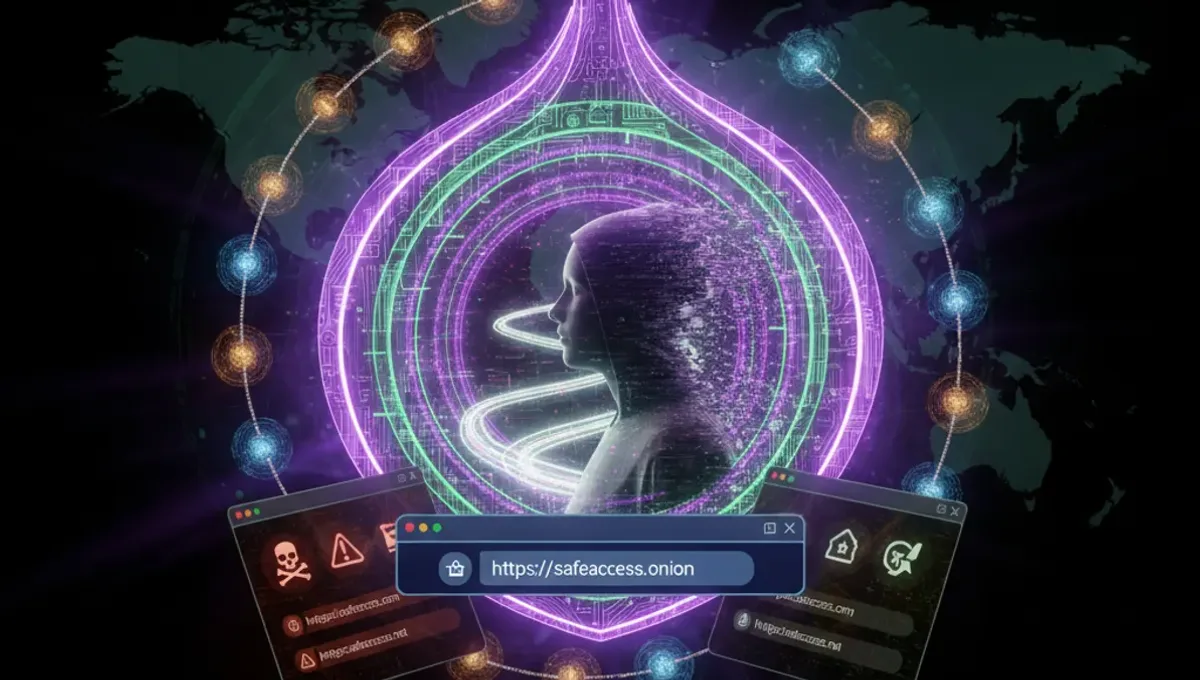
What a Dark Website Browser Actually Does
A dark website browser is not a separate application that magically hides you; it is a tool that implements the Tor protocol, which bounces your traffic through a series of volunteer-operated relays before reaching its destination. Each relay knows only the previous and next hop, so no single point can map your identity to the site you visit. Tor Browser, maintained by the Tor Project, is the official and most reliable implementation. It strips away browser fingerprinting data that could identify you, disables plugins that might leak your real IP address, and forces HTTPS connections when possible. The browser itself is based on Firefox but configured with security-first defaults. When you connect to an onion site, your traffic is encrypted end-to-end, meaning even the site operator cannot see your real IP without additional mistakes on your part.
How Onion Sites Differ from the Regular Web
Onion addresses are long, seemingly random strings of characters ending in .onion, generated from cryptographic keys rather than registered through a domain registrar. This design means no central authority can take down an onion site by revoking a domain; the site's operator must be found and the server physically seized or the operator arrested. Onion sites are hosted on servers that are themselves hidden behind Tor, so the server's location is not publicly visible. This architecture enables legitimate use cases like whistleblowing platforms, privacy-focused email services, and forums where people discuss sensitive topics without surveillance. However, the same anonymity has attracted illegal marketplaces and forums. The key difference is that onion sites require you to know the exact address; there is no Google for the dark web that reliably indexes everything. This makes finding legitimate onion resources harder but also means accidental exposure to illegal content is less likely than popular misconceptions suggest.
Choosing and Installing a Dark Website Browser
Tor Browser is the standard choice for accessing onion sites safely. It is free, open-source, and regularly updated by the Tor Project to patch security vulnerabilities. To install it correctly, follow these steps to avoid phishing clones and compromised versions. First, visit the official Tor Project website directly by typing the URL in your address bar or using a bookmark you have verified before. Second, download the version for your operating system. Third, verify the file signature using the provided PGP key to confirm it has not been tampered with. Fourth, install the application and launch it. The browser will connect to the Tor network automatically on first run. Do not download Tor Browser from third-party sites, mirrors, or app stores unless you have independently verified their legitimacy. Phishing clones of Tor Browser exist and are designed to steal credentials or inject malware. If you are unsure, check the official Tor Project documentation or the Useful Resources page of this site for current verified download links.
Reality Check: How Anonymity Actually Fails
According to Tor Project documentation, the most common deanonymization vector is user behavior, not technical flaws in Tor itself. People reveal their identity by using the same username across multiple sites, posting in a distinctive writing style, or visiting onion sites while also using their real email or social media accounts on the same device. Law enforcement has successfully identified Tor users by analyzing traffic patterns at the network level, correlating timing and data volumes across entry and exit nodes, and by exploiting operational security mistakes rather than breaking Tor's encryption. Court records from major darknet market prosecutions show that investigators typically combined network analysis with traditional detective work: examining financial records, analyzing forum posts for identifying information, and following the money trail. Security-vendor incident reports document malware that specifically targets Tor Browser users by exploiting browser vulnerabilities or tricking users into disabling security features. This matters because it means Tor is a tool that requires discipline; simply running the software does not guarantee anonymity if you use it carelessly.
Common Mistakes That Compromise Your Safety
Maximizing your browser window can make you identifiable because your screen resolution becomes part of your fingerprint. Tor Browser recommends keeping the window at a standard size. Disabling JavaScript to speed up browsing or because a site asks you to is a mistake; JavaScript can leak your real IP address, and Tor Browser disables it by default for this reason. Mixing Tor and non-Tor traffic on the same device without isolation is risky; if you visit your email or social media while Tor Browser is open, a malicious site or network observer could correlate your activities. Using plugins like Flash or Java inside Tor Browser defeats the purpose because these technologies often bypass Tor entirely. Assuming that accessing an onion site makes you immune to malware is false; malicious onion sites exist, and malware can spread through Tor just as easily as through the regular web. The best dark web browser is only as secure as your behavior and your system's baseline security. Keep your operating system and all software updated, use a firewall, and consider running Tor Browser in a virtual machine or on a dedicated device if you are handling sensitive information.
Verifying Onion Addresses and Avoiding Phishing
Onion addresses are long and difficult to remember, which is why phishing clones are effective. A legitimate onion site operator will publish their address on multiple channels: their official website, PGP-signed announcements, or trusted community forums. Before visiting an onion site for the first time, verify the address through at least two independent sources. If you see a shortened or QR-code version of an onion address, trace it back to the original source before clicking. Tor Browser includes a feature that shows you the onion address of the site you are visiting; compare it character-by-character with the address you intended to visit. Bookmarking verified addresses is safer than searching for them each time. If a site asks you to log in with credentials you use elsewhere, do not do it; the site is likely a phishing clone. Legitimate onion services often provide a PGP public key that you can use to verify announcements about address changes or security updates. The Useful Resources page of this site maintains a curated list of verified onion addresses for reference.
Legal and Practical Considerations
Using Tor Browser and accessing onion sites is legal in most countries, including the United States and European Union. However, the legality of what you do while using Tor is a separate question; accessing illegal content or services remains illegal regardless of the tools you use. Some countries restrict or block Tor access, and using it may violate local law or trigger government scrutiny. If you live in a region where Tor is restricted, using a VPN before connecting to Tor can help, though this adds complexity and trust assumptions. Law enforcement agencies worldwide have successfully prosecuted people for crimes committed on the dark web, from drug trafficking to fraud to hosting illegal content. The anonymity provided by Tor is not absolute, especially when combined with user mistakes or when law enforcement applies traditional investigative techniques. If you are using Tor for legitimate purposes like privacy-focused communication, journalism, or security research, understand that your activity is still subject to the laws of your jurisdiction. Never assume that Tor makes you untouchable; it makes you harder to track, but not impossible.
Moving Forward: Safe Practices and Next Steps
The best dark web browser is one you understand and use with realistic expectations about what it can and cannot do. Tor Browser protects your location and identity from the sites you visit, but it does not protect you from malware, phishing, or your own mistakes. If you are accessing onion sites for legitimate research, journalism, or privacy, start by downloading Tor Browser from the official Tor Project website and verifying the download. Read the browser's built-in security guide, which is accessible from the hamburger menu. Visit only onion sites whose addresses you have verified through trusted sources. Keep your operating system and Tor Browser updated. Consider using a dedicated device or virtual machine if you are handling sensitive information. Join communities like Reddit's r/privacy or the Tor Project's mailing lists to stay informed about security updates and best practices. The goal is not to become invisible; it is to use the right tool for your specific need while maintaining realistic security hygiene.
Frequently asked questions
Is Tor Browser the only dark website browser I can use
Tor Browser is the official and most recommended option maintained by the Tor Project. Other tools like Whonix or Tails can route traffic through Tor, but Tor Browser is purpose-built for accessing onion sites with security defaults already configured. Using alternatives without understanding their specific trade-offs is not recommended for most users.
Can I get caught using a dark website browser
Using Tor Browser itself is legal in most countries. However, law enforcement can identify Tor users through network analysis, malware, or user mistakes like reusing usernames or visiting onion sites while logged into personal accounts. Tor makes tracking harder but not impossible, especially if you behave carelessly.
What is the difference between a dark web browser and a VPN
A VPN encrypts your traffic and routes it through a single server operated by a VPN provider, who can see your activity. Tor routes your traffic through multiple relays operated by volunteers, and no single relay can map your identity to your destination. Tor is designed for anonymity; VPNs are designed for privacy and security. They serve different purposes.
How do I know if an onion site is real or a phishing clone
Verify the onion address through multiple independent sources before visiting. Compare the address character-by-character with what Tor Browser displays. Legitimate sites publish PGP-signed announcements about their addresses. If a site asks you to log in with credentials you use elsewhere, it is likely a phishing clone.
Does using a dark website browser make me completely anonymous
No. Tor protects your location and identity from the sites you visit, but it does not protect you from malware, phishing, or your own operational security mistakes. Anonymity requires both the right tools and disciplined behavior. Assume you are not completely anonymous and act accordingly.