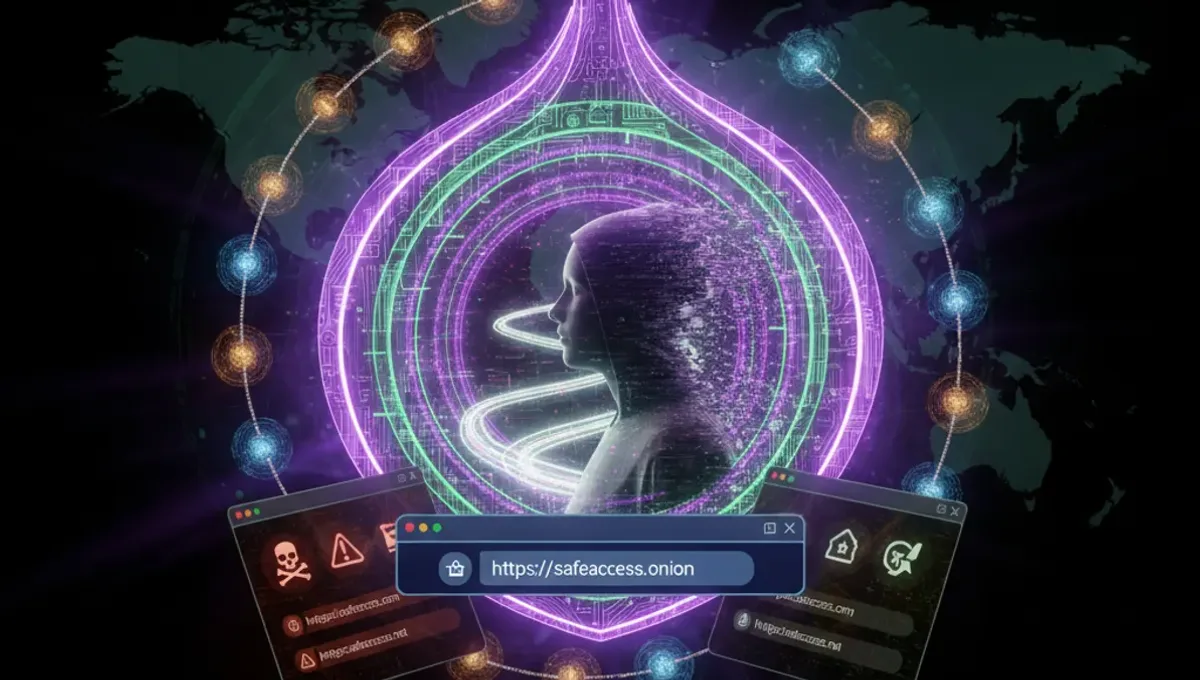
What a Dark Web Browser Does
A dark web browser routes your traffic through multiple encrypted layers, hiding your IP address and location from websites you visit. The Tor Browser, built on Firefox, is the standard tool for accessing onion services (websites ending in .onion). It works by connecting to the Tor network, a volunteer-run system of thousands of relays that bounce your data around the world.
The browser itself is free and open-source, maintained by the Tor Project. When you use it, you are not anonymous by default; anonymity depends on how you behave online. Visiting a dark web forum and posting your real name, for example, defeats the entire purpose. The browser also does not protect you from malware on your computer or from phishing attacks that trick you into visiting fake versions of legitimate sites.
Legitimate Free Dark Web Browser Options
The Tor Browser is the only officially recommended tool for accessing onion services. It is available for Windows, macOS, and Linux, and you can download it directly from the Tor Project website. The project publishes the source code publicly, so security researchers can audit it for vulnerabilities.
Other browsers marketed as dark web tools are often either outdated forks of Tor or scams designed to steal your data. Tails and Whonix are operating systems that include Tor Browser pre-configured, but they require more setup and are best for users who want to isolate their entire system. For most people, downloading Tor Browser from the official source and running it on your existing computer is the practical starting point.
Avoid downloading Tor Browser from mirrors, torrents, or third-party sites unless you verify the download signature using PGP. Phishing clones of the Tor Project website exist and distribute modified versions that log your activity.
Verifying You Have the Real Tor Browser
Before you open Tor Browser, confirm that you downloaded the legitimate version. The Tor Project signs all official releases with a PGP key. If you are not familiar with PGP, you can verify the download fingerprint using the Tor Browser installer itself.
Steps to verify:
- Download Tor Browser from torproject.org only (check the URL carefully; phishing sites use similar names).
- On the download page, compare the file hash shown on your computer with the hash listed on the Tor Project site.
- If they match, the file is genuine. If they do not match, delete it and try again from a different network.
- Install Tor Browser in a dedicated folder and do not move it after installation.
If you are using a browser on Reddit or another forum and someone links you to a Tor Browser download, do not click it. Always go to torproject.org directly by typing the URL yourself.
How Free Dark Web Browsers Leave You Vulnerable
Even with the real Tor Browser, several common mistakes expose you to tracking or malware. Maximizing your browser window reveals your screen resolution to websites, which can be used to fingerprint you alongside other data. Disabling JavaScript in Tor Browser is recommended by the Tor Project because malicious scripts can sometimes bypass the browser's protections.
Downloading files from onion sites carries extra risk. Files may contain malware, and your antivirus software may not catch threats designed for the dark web. Opening a PDF or document from an untrusted source can execute code before you realize what happened. Many users also assume that using Tor Browser means they can ignore other security practices, like using strong passwords or keeping their operating system patched. Tor protects your network traffic, not your computer itself.
Understanding the Reality of Free Dark Web Access
According to Tor Project documentation, the network is maintained by volunteers and funded by grants and donations, which is why Tor Browser remains free. However, this also means that the network is sometimes slow, and exit nodes (the final relay that connects you to the regular internet) can theoretically be monitored by law enforcement or malicious actors. Academic research on onion services has shown that many users misunderstand what Tor protects against, leading them to take unnecessary risks.
The dark web is not a lawless zone where you can do anything without consequences. Law enforcement agencies worldwide have successfully traced and prosecuted users of onion marketplaces by combining network analysis, operational security mistakes, and traditional detective work. Court records from major prosecutions show that users often believed they were anonymous when they were not. The Tor network itself is not illegal, but many activities conducted over it are.
Setting Up Tor Browser for the First Time
After verifying and installing Tor Browser, open it and wait for the connection to complete. The first time you connect, Tor will test your connection and display a confirmation page. Do not proceed to onion sites until you see the green onion icon in the address bar and the Tor Browser welcome page loads.
Configuration steps:
- Open Tor Browser and allow it to connect to the Tor network (this may take 30 seconds to 2 minutes).
- Once connected, visit check.torproject.org to confirm your IP is hidden.
- Review the security settings in the hamburger menu; the default settings are secure for most users.
- Do not install additional extensions or plugins, as they can compromise anonymity.
- Close all other browsers before using Tor to avoid accidentally visiting sites without Tor protection.
If you cannot connect, check your firewall settings or try using a bridge (a relay that is not listed publicly). The Tor Browser includes built-in bridge support.
Avoiding Phishing and Malicious Onion Sites
Phishing is the most common attack against dark web users. A fake marketplace or forum may look identical to the real one, but it steals your login credentials or cryptocurrency. The best defense is to verify onion addresses through PGP-signed announcements from the site operator, never by clicking a link from Reddit or another forum.
When you find an onion address, check it against multiple sources. If a site has moved or changed its address, the operators will announce this on their official social media accounts or through PGP-signed messages. Do not assume that a site is real because it appears in search results; dark web search engines are not reliable and often index phishing clones. If you are unsure whether an address is legitimate, do not log in or enter any personal information. The Useful Resources page on this site lists verified onion addresses for legitimate projects.
Next Steps: Using Tor Browser Responsibly
Having a free dark web browser installed does not mean you should immediately start exploring. Before you visit any onion site, decide what you actually need to do and whether the dark web is the right tool. Journalists, activists, and people in countries with heavy internet censorship have legitimate reasons to use Tor. Casual curiosity is fine, but wandering into forums or marketplaces without a clear purpose often leads to scams or exposure to illegal content.
Start by visiting legitimate onion services like news outlets or privacy organizations that operate mirrors on the dark web. These sites will help you understand how onion addresses work and how to spot obvious red flags. Keep your operating system and all software updated, use a strong password manager, and consider using Tor Browser on a dedicated virtual machine if you plan to do anything sensitive. The most important step is to treat Tor Browser as a tool for privacy, not as a shield against all consequences of your actions online.
Frequently asked questions
Is Tor Browser really free and safe to download
Tor Browser is free and maintained by the Tor Project, a legitimate nonprofit organization. However, you must download it from torproject.org only. Phishing sites and mirrors distribute malicious versions. Always verify the download fingerprint before installing to ensure you have the genuine software.
Can I use any browser to access the dark web
No. Regular browsers like Chrome or Firefox do not route traffic through Tor and will expose your IP address. Tor Browser is specifically designed to connect to the Tor network and access onion sites. Using a standard browser on the dark web defeats the purpose of anonymity and puts you at risk.
What is the difference between Tor Browser and a VPN
Tor Browser routes your traffic through multiple encrypted relays and hides your IP from websites. A VPN encrypts your traffic but routes it through a single server controlled by the VPN provider. Tor is designed for anonymity; VPNs are designed for privacy. They serve different purposes and are not interchangeable.
Do I need to pay for Tor Browser or any dark web access
Tor Browser is completely free. No legitimate dark web access tool requires payment. If someone is selling you a dark web browser or access, it is a scam. The Tor network is maintained by volunteers and funded by grants, which is why it remains free for everyone.
Can I be traced if I use Tor Browser
Tor Browser hides your IP address from websites, but it does not make you completely anonymous. Law enforcement can trace users through operational security mistakes, malware on your computer, or by monitoring exit nodes. Your behavior online matters more than the tool you use. Posting identifying information or visiting the same sites repeatedly increases the risk of being traced.