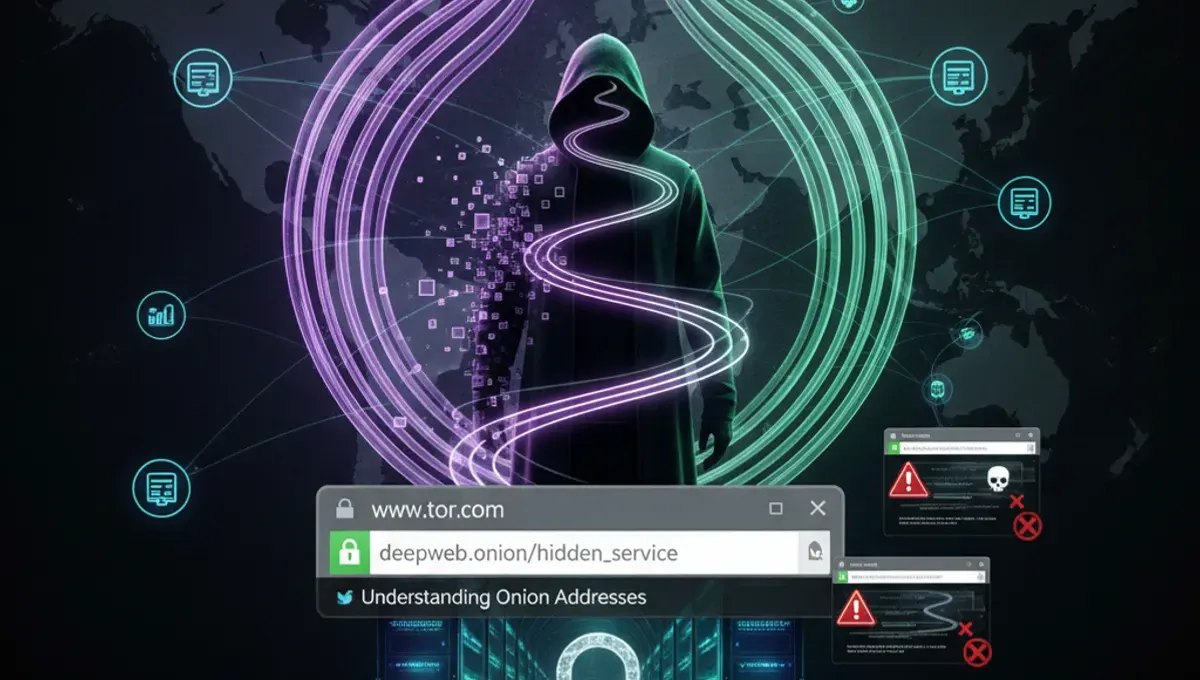
What .onion Addresses Actually Are
An .onion address is not a traditional domain name registered with ICANN. Instead, it is a cryptographic identifier generated by the Tor network itself when someone sets up a hidden service. Each .onion address is derived from the public key of the service, making it mathematically tied to the server running it. This means the address cannot be spoofed or transferred; if the service moves or shuts down, the address becomes unreachable.
When you see a long string like a 56-character .onion address (v3 addresses introduced in 2019), that entire string is the proof of ownership. The Tor Project documentation emphasizes that these addresses are not human-readable by design; they are meant to be verified through out-of-band channels such as PGP signatures, official websites, or trusted announcements. Confusion arises because people search for phrases like www dark web com free or www dark web site com, expecting a simple web address, but the Tor network does not work that way.
Why www tor com and Similar Phrases Mislead Users
Searches for www tor com dark web, www dark web site com, or dark web site com often come from users who do not yet understand Tor's architecture. These searches reflect a mental model borrowed from the regular web, where www.example.com is a standard address format. On the dark web, there is no central registry, no www prefix, and no .com equivalent for onion services.
This confusion creates an opening for phishing. Scammers register regular domains like tor-com.net or darkweb-site.com on the clearnet and use them to mimic or impersonate real onion services. A user searching for www dark web com free might land on a fake site that promises access to dark web marketplaces or forums, then steals credentials or payment information. The Tor Project has documented that phishing clones of popular onion sites are among the most common attacks against new users. Understanding that real onion addresses are long, random-looking strings ending in .onion is the first defense against these scams.
How to Verify a Legitimate .onion Address
Verification is the core security practice for onion services. Here are the steps to confirm that an .onion address is authentic:
- Check the official website or social media of the service you want to access; legitimate services publish their .onion address on their clearnet homepage or in PGP-signed announcements.
- Look for a PGP signature or cryptographic proof; many onion services sign their addresses with a key that is also published on their official channels.
- Compare the address character-by-character with the one you found; a single character difference means it is a phishing clone.
- Use the Tor Browser's built-in address bar to verify the .onion domain; the browser will show a security indicator if the certificate matches.
- Cross-reference with trusted security communities or the Useful Resources page of this site for links to verified addresses.
Never assume that an .onion address found in a search result, forum post, or social media message is legitimate without verification. The dark web tor links you find casually are often clones or honeypots designed to harvest information.
The Reality of Onion Service Security and Law Enforcement
Onion services provide strong anonymity for the server operator, but they are not impenetrable. According to Tor Project documentation, the anonymity of a hidden service depends on the security of the Tor network itself and the operational security of the service operator. Law-enforcement agencies have successfully identified and seized onion services by exploiting operational mistakes, such as accidental IP address leaks, poor password practices, or social engineering of administrators.
Public law-enforcement press releases document cases where major dark web marketplaces and forums were shut down after years of operation. These seizures typically involved a combination of technical investigation, undercover operations, and international cooperation. The key lesson for users is that while Tor provides strong encryption and routing, it does not guarantee that a service will remain online or that its operators will not be compromised. Phishing and social engineering remain effective attacks because they target the human layer, not the technology. When you encounter a dark web tor links directory or a site claiming to list active marketplaces, verify the source and understand that the status of any service can change without warning.
Distinguishing Real Onion Services from Scams and Honeypots
A real onion service has consistent technical and operational characteristics. It uses HTTPS encryption (indicated by a valid certificate in the Tor Browser), maintains a stable .onion address, and publishes security updates or announcements through verified channels. The service operator typically uses PGP keys to sign important messages, allowing users to verify authenticity.
Scams and honeypots often have telltale signs. They may promise unrealistic rewards, ask for upfront payments, or use urgent language to pressure you into action. A honeypot is a fake service run by law enforcement or security researchers to identify and track users; it may appear legitimate but is designed to log your activity or steal credentials. Phishing clones of popular services are common; they mimic the layout and content of the real site but use a slightly different .onion address or redirect you to a clearnet domain where they can track you.
The safest approach is to access onion services only through links published on their official clearnet websites or in PGP-signed announcements. Avoid clicking links from forums, Reddit threads, or search results unless you have independently verified the source.
Using Tor Browser Safely to Access .onion Addresses
Tor Browser is the official tool for accessing onion services securely. It is built on Firefox and includes Tor, a VPN-like layer, and security hardening. To use it safely:
- Download Tor Browser only from the official Tor Project website (torproject.org).
- Verify the signature of the installer using the PGP key published on the site.
- Install and launch Tor Browser; allow it to connect to the Tor network before entering any .onion address.
- Type or paste the .onion address into the address bar; do not use search engines to find onion services.
- Check the security indicator in the address bar; it should show a green lock and the .onion domain.
- Disable plugins, extensions, and JavaScript if you are accessing sensitive services; Tor Browser has these settings in its security preferences.
Common mistakes include using a regular browser to access .onion addresses (which will fail and may leak your IP), mixing Tor Browser with a VPN (which can reduce anonymity), and trusting search results or directories that claim to list active dark web tor links without independent verification.
Moving Forward: Practical Steps to Stay Safe
The core takeaway is that onion services are real, but the way people search for them often leads them into traps. Phrases like www tor com dark web, www dark web com free, or dark web site com do not point to actual services; they reflect a misunderstanding of how Tor works. Real onion addresses are long, cryptographic strings that must be verified through official channels.
Your next step is to identify a specific onion service you want to access, then find its official .onion address on its clearnet website or in a PGP-signed announcement. Use only Tor Browser, verify the address character-by-character, and check the security indicator before entering any credentials or sensitive information. If you are researching onion services for security awareness, visit the Useful Resources page of this site for links to verified directories and documentation. Avoid directories that claim to list active marketplaces or forums without clear verification methods; these are often outdated or compromised.
Frequently asked questions
Is www tor com a real dark web address?
No. www tor com is not a real onion service address. Real .onion addresses are long, cryptographic strings generated by the Tor network, not traditional domain names. If you see www.tor.com or www.dark.web.com, these are clearnet domains that may be phishing clones or scams. Always verify .onion addresses through official channels before accessing them.
How do I find legitimate dark web tor links?
The safest way is to find the official clearnet website of the service you want to access, then look for a PGP-signed announcement or link to the .onion address. Never rely on search results, forums, or directories without independent verification. Check the Useful Resources page of this site for links to verified onion service directories and documentation from the Tor Project.
What is the difference between a real .onion address and a phishing clone?
A real .onion address is mathematically tied to the service's public key and cannot be transferred or spoofed. A phishing clone uses a different .onion address or a clearnet domain that mimics the real service's appearance. Always compare the address character-by-character with the official version. A single character difference indicates a phishing attempt.
Can I access onion services with a regular browser?
No. Regular browsers cannot connect to .onion addresses; you must use Tor Browser. Using a regular browser to attempt access will fail and may leak your IP address. Download Tor Browser only from the official Tor Project website and verify its signature before installation.
Why do people search for www dark web com free?
This search reflects confusion about how Tor and onion services work. People often expect onion services to have traditional domain names like www.example.com, but they do not. This confusion is exploited by scammers who register clearnet domains that mimic onion services and use them to phish for credentials or payment information.